
PS Plus guide for May 2026: claim the monthly games from May 5, then choose what to install based on time and storage. The goal is simple. You secure access, avoid missed claims, and start the right game first.
Key points
- The May 2026 PS Plus monthly games are EA Sports FC 26, Wuchang: Fallen Feathers, and Nine Sols.
- All three games become available to PlayStation Plus members on 2026-05-05 according to PlayStation Blog.
- Monthly games must be added during their claim window and remain accessible while the subscription is active.
- PlayStation Plus Premium includes PS5 cloud streaming where available, with official minimum speeds of 5 Mbps and 15 Mbps for 1080p.
PlayStation announced three monthly games for May 2026: EA Sports FC 26, Wuchang: Fallen Feathers, and Nine Sols. They become available to PlayStation Plus members on May 5, 2026. You can also browse our guides, the PlayStation section, and the latest jeu.video posts.

PS Plus May 2026 guide: key takeaways
- Claim all three games from May 5, 2026.
- Do not download everything if storage is tight.
- Start EA Sports FC 26 if you play online.
- Save Wuchang for longer, regular sessions.
- Pick Nine Sols if you want a precise 2D challenge.
PS Plus guide: claim before downloading
Your first step is not downloading. It is adding each game to your library. That secures access during the monthly claim window.
PlayStation explains the official PS5 and PS4 process on its support page. On PS5, open PlayStation Plus from the games home screen. Then go to Benefits and Monthly Games. On PS4, open PlayStation Plus, then Monthly Games.
- Open PlayStation Plus on your console or in the PlayStation App.
- Go to Monthly Games from May 5, 2026 onward.
- Select EA Sports FC 26.
- Choose Add to Library.
- Repeat the step for Wuchang: Fallen Feathers and Nine Sols.
- Open your Game Library.
- Filter by PlayStation Plus and confirm all three games are listed.
After that, choose what to install. If storage is limited, claim everything and download one game.
Choose your first PS Plus game for May 2026
The best first pick depends on your next session. Do not choose only by file size or hype. Choose the game that fits your time.
| Player type | Best first game | Concrete goal |
|---|---|---|
| You play with friends | EA Sports FC 26 | Install early for online matches, Clubs and Ultimate Team. |
| You want a demanding campaign | Wuchang: Fallen Feathers | Plan a full evening and keep the controls fresh. |
| You like bosses and timing | Nine Sols | Practice deflection, then progress zone by zone. |
| Your SSD is nearly full | Install only one game | Claim all three titles, then download this week's priority. |

If you have 30 to 45 minutes, play a few matches or test Nine Sols. If you have a full evening, start Wuchang properly.
Manage PS5 and PS4 storage first
A useful PS Plus guide starts with storage. Three games can fill a console quickly, especially after updates.
- Delete finished games you will not replay this week.
- Keep saves synced with PS Plus cloud storage.
- Move PS4 games to USB storage if you use an external drive.
- Leave room for patches.
- Avoid three downloads at once on an unstable connection.
The official PlayStation Plus page lists cloud storage among the service benefits. Check save sync before uninstalling a game you have started.

Do not mix up Monthly Games, Extra and Premium
Monthly Games do not work like the Game Catalog. A monthly game must be claimed during its availability period. It then stays in your library while your subscription is active.
The Game Catalog is different. It belongs to Extra and Premium, and its games can leave the service. PlayStation's Plus page also lists Essential, Extra and Premium benefits.
Use a simple rule. Always claim monthly games that interest you. For Catalog games, play the ones you do not want to miss.

Prepare Wuchang: Fallen Feathers
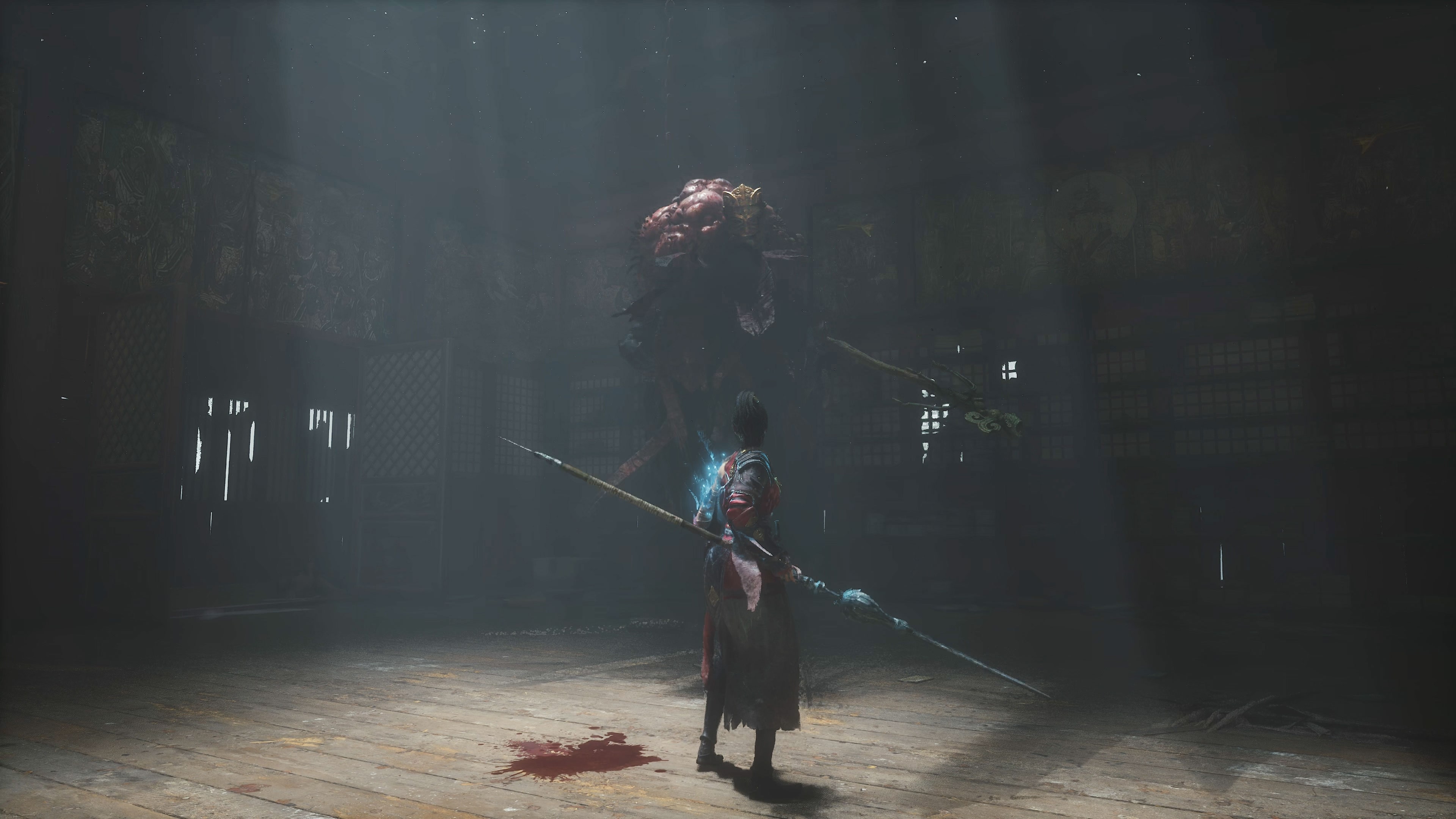
Wuchang: Fallen Feathers needs more commitment. Its PlayStation Store page presents it as a soulslike action RPG set in Shu. It highlights exploration, weapons, skills and multiple endings.
- Plan a first session of at least 90 minutes.
- Try two weapon types before upgrading gear.
- Track shortcuts, locked doors and key NPCs.
- After dying, adjust timing first.
- If a boss stops you, return with an upgraded weapon.

Play Nine Sols with a plan
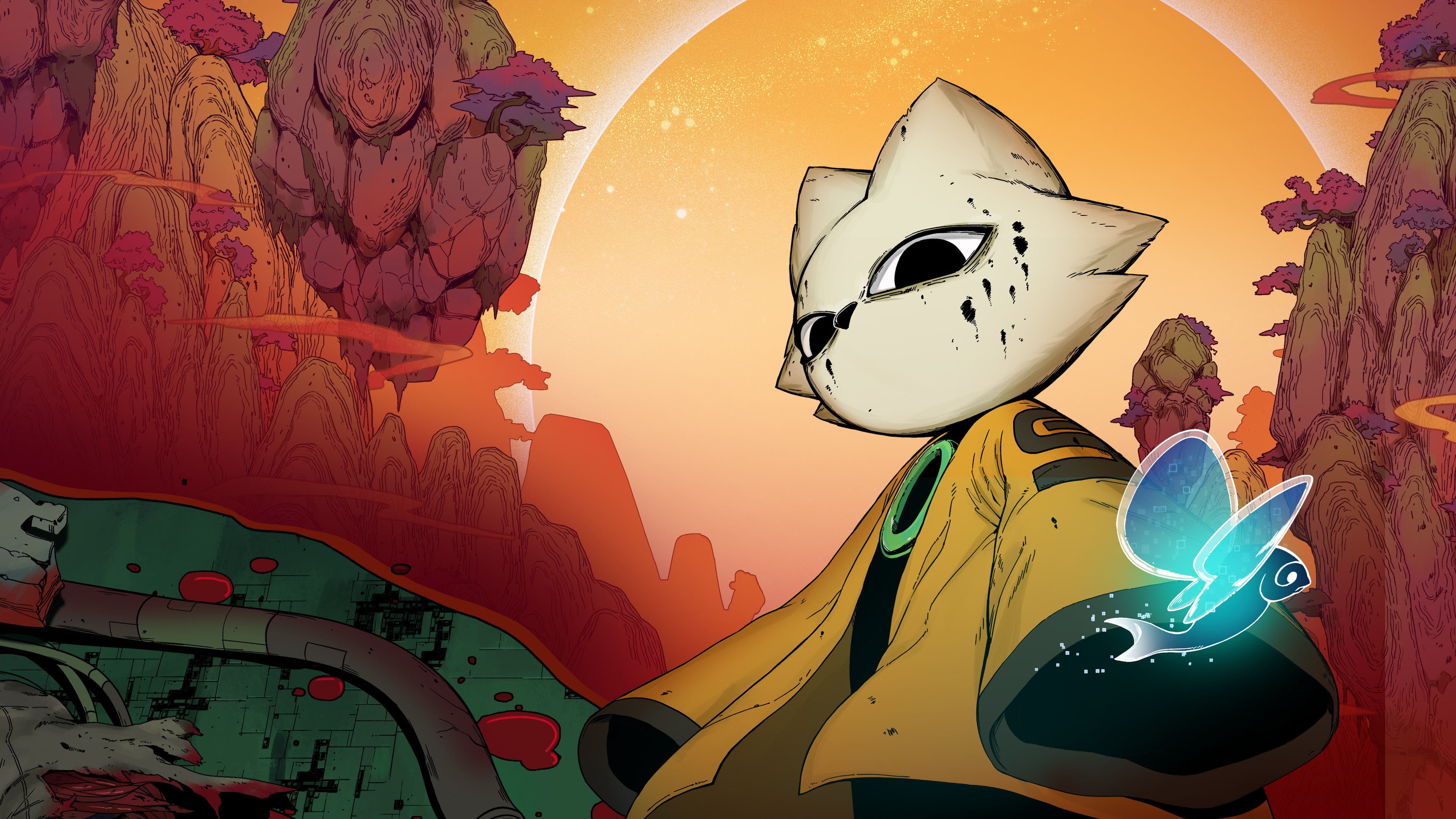
Nine Sols looks compact, but it is demanding. Its PlayStation Store page highlights deflection-based 2D combat, tough bosses and New Kunlun exploration.
Your starting goal is clear. Read attacks, land deflections, then punish only when the opening is clean.
- Focus on defense first.
- Use two observation attempts against each new boss.
- Heal after a stable sequence.
- Explore again if an area feels too hard.

PS Plus mistakes to avoid in May
- Waiting until the end of the month to claim the games.
- Confusing Add to Library with Download.
- Uninstalling a started game before checking cloud saves.
- Starting Wuchang in short, scattered sessions.
- Filling the SSD with three games you will not launch right away.
End-of-month PS Plus checklist
On May 3, 2026, April's games are still claimable until May 4. On May 5, 2026, the May lineup takes over. A calendar reminder prevents most misses.
- On the first Tuesday of the month, open Monthly Games.
- Claim every available game.
- Check bonus packs, including the EA Sports FC 26 Icons Pack.
- Sort games into a list so they are easy to find.
- Every Sunday, delete unused installations.
- Before cancelling PS Plus, finish any monthly games in progress.
The method is simple: claim everything, install selectively, and play in the right order. This PS Plus guide makes May 2026 easier to manage without filling your console for no reason.